

There’s something particularly nice about reading on an iPad. It’s large enough to settle into a long article without constantly scrolling, but portable enough to take to the couch, the kitchen, or wherever you find a quiet moment. It’s the kind of device that makes you want to spend a little more time with something interesting.
That’s why we’re happy to announce that Bredbox is now available on iPad, with an interface designed to make the most of the larger screen. You can browse your saved content, find something you’ve been meaning to revisit, and enjoy distraction-free reading, all from the same personal library you already use on your other devices.
Your library and your reading, side by side
One of the nicest things about using Bredbox on iPad is the two-column layout in landscape mode. Your library appears on the left, while the article you’re reading fills the space on the right. You can move between saved articles without having to navigate back and forth between separate screens.
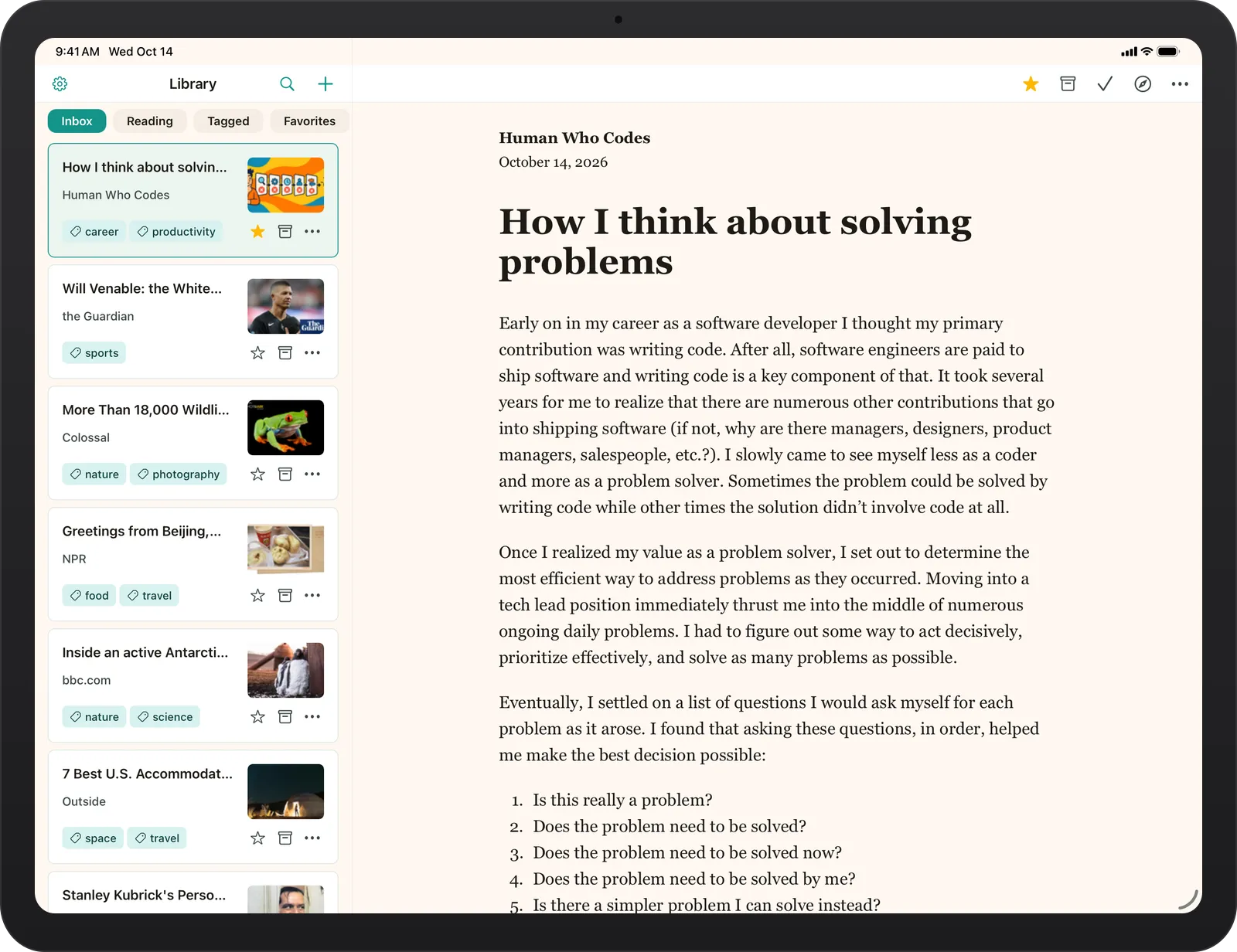
This layout is especially useful when you’re exploring a topic. Maybe you’ve saved several articles about a historical event, or a handful of essays by an author you’ve recently discovered. You can move through them naturally, browsing your collection while keeping the reading experience front and center.
When you’d rather give an article your full attention, you can hide the sidebar and enjoy a spacious, uncluttered reading view.
A quiet place to read
The web is wonderful for discovering things, but it isn’t always the most comfortable place to read them. Between advertisements, navigation menus, pop-ups, and suggested content, even a thoughtful article can become difficult to focus on.
Bredbox’s reader removes those distractions and presents the content in a clean, readable format. On iPad, the extra screen space makes that experience particularly comfortable, whether you’re reading a quick article or spending an afternoon with a longer piece.
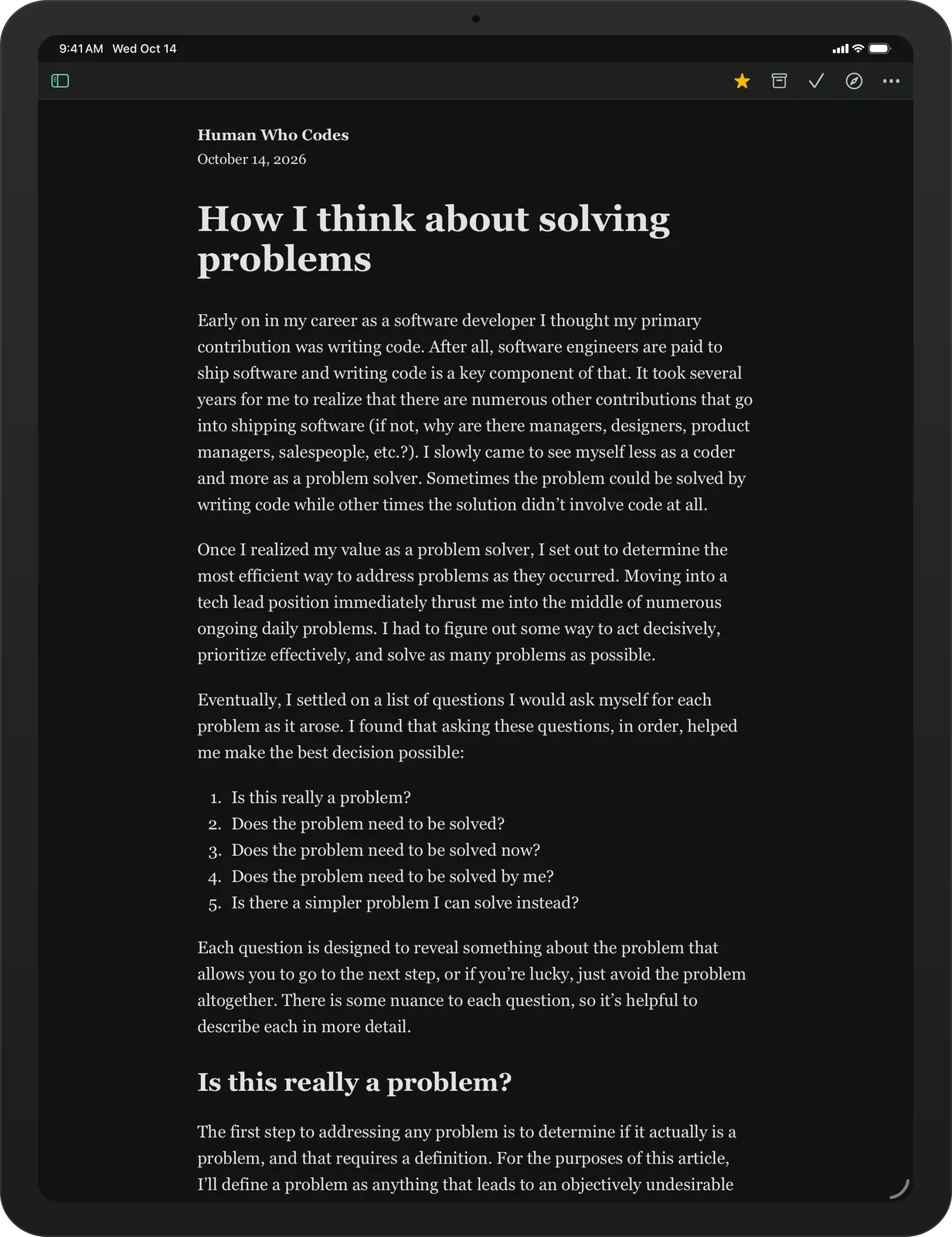
And if you prefer reading with a darker background, Bredbox supports dark mode throughout the app, including the library and article reader.
Find something worth revisiting
Over time, a personal library becomes more than a list of things you haven’t read yet. It becomes a collection of interests, useful references, forgotten discoveries, and ideas you might want to return to someday.
Bredbox on iPad makes it easy to explore that collection. You can browse your Inbox, pick up something in your Reading list, revisit Favorites, or filter your library using tags. Search is also available when you have something particular in mind.
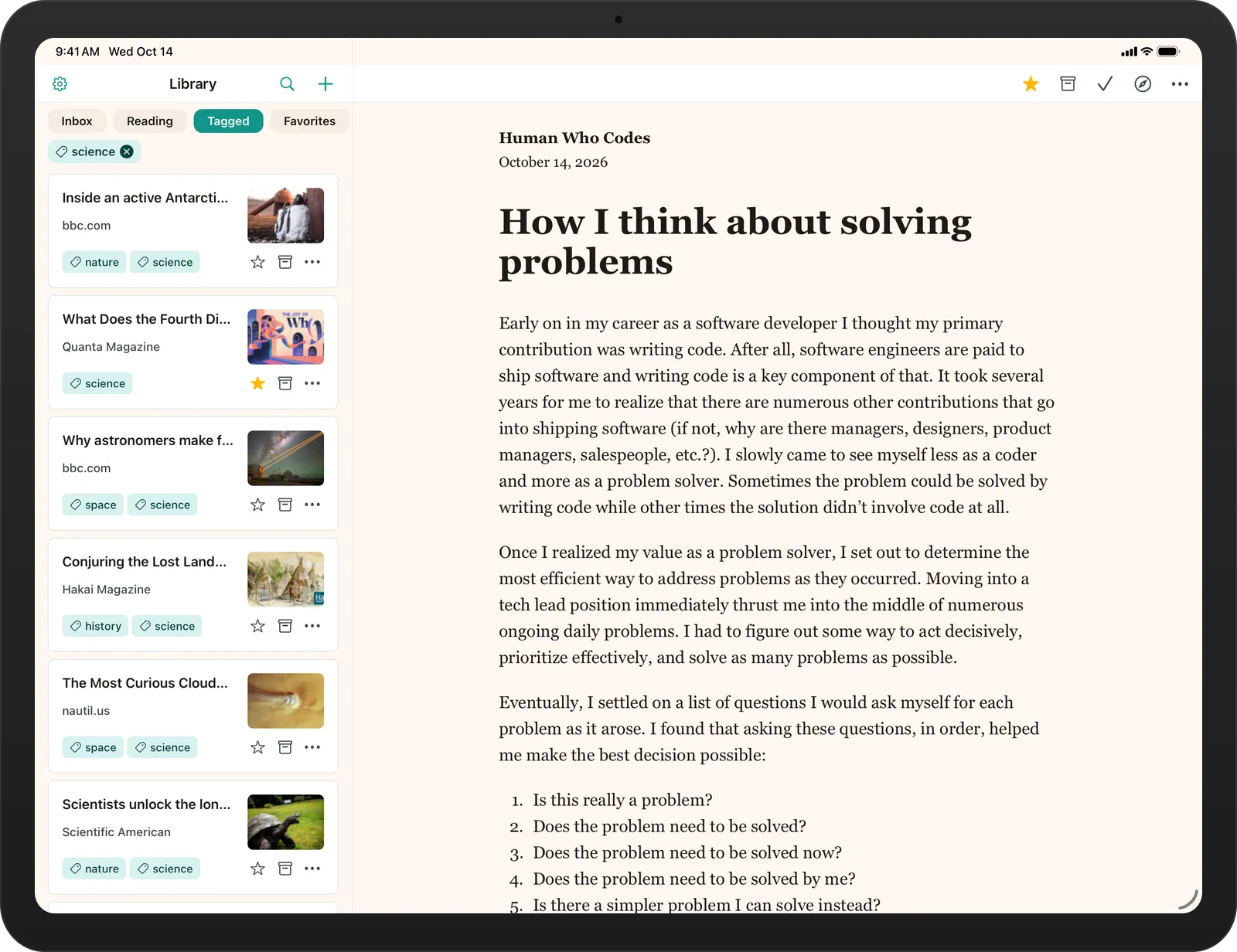
Maybe you’re looking for that article about astronomy you saved months ago, or a travel story that made you curious about somewhere new. Instead of trying to remember which website it came from, you can return to your library and find it there.
And because it’s the same Bredbox library, you don’t have to build a separate collection just for your iPad.
Comfortable in portrait or landscape
Not everyone uses an iPad the same way, and even the same person might prefer different layouts depending on what they’re doing.
In landscape, Bredbox keeps your library and reader visible together. In portrait, the reading experience takes center stage, with the library available in a sidebar whenever you need it. You can switch between the two depending on whether you’re browsing or settling in to read.
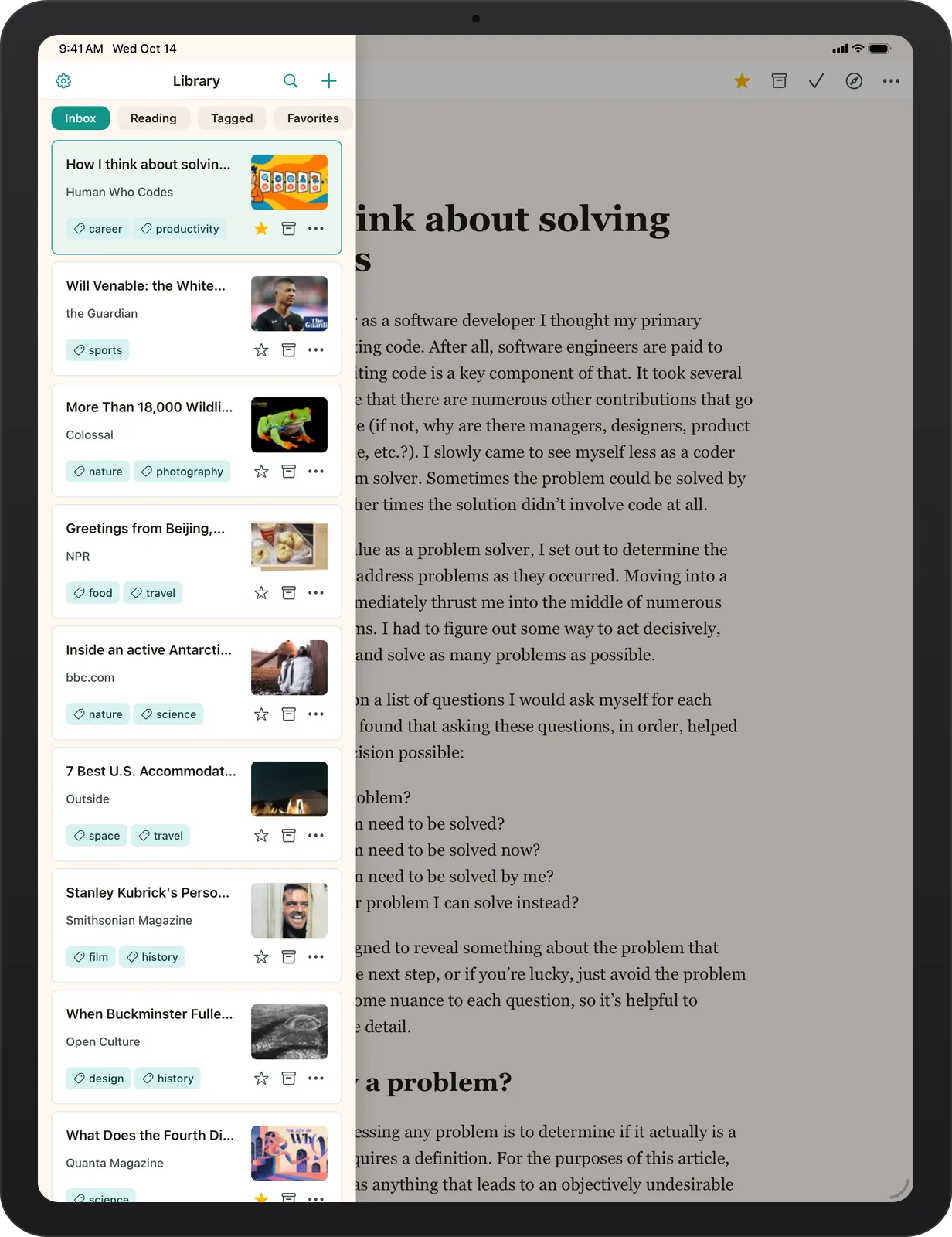
It’s a simple distinction, but one that matters. Your reading app should adapt to how you’re using your device, rather than making you adapt to it.
Your library, wherever you prefer to read
One of the ideas behind Bredbox is that discovering something interesting and finding time to enjoy it don’t have to happen in the same place.
You might save an article while working at your computer, start reading it on your phone during lunch, and finish it on your iPad later that evening. Bredbox automatically syncs your reading progress across the web, your phone, and your iPad, so you can pick up right where you left off, no matter which device you’re using.
Your saved articles, tags, and favorites are all part of the same library, too. There’s nothing to transfer or manage separately. Just open Bredbox on whichever device suits the moment and keep reading.
Adding iPad support is another step toward making Bredbox a comfortable home for the content you care about, without tying that content to any single device or way of reading. And as always, your library remains yours, with the freedom to export your content whenever you choose.
Get Bredbox on your iPad
Bredbox for iPad is available now. If you’re already using Bredbox, you can sign in with your existing account and continue exploring your library on the larger screen.
If you’re new to Bredbox, this is a great time to start building a personal collection of articles, ideas, and discoveries you want to keep.
Get started with Bredbox and give the things worth reading a place to call home.