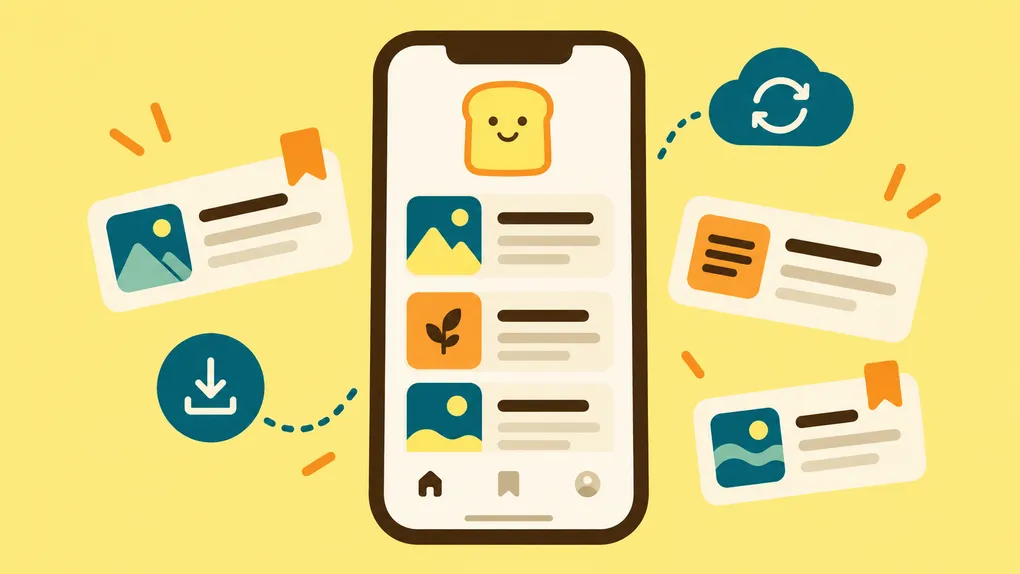

Your phone is probably where you find a lot of the things you want to save. Someone texts you an article. You find a recipe while scrolling on the couch. You open a link while waiting in line and realize it deserves more than the thirty seconds you have right now.
Bredbox is now available on the App Store, which means those moments can finally be part of the same library you use everywhere else. You can save something when you find it, come back to it when you have time, and carry the library you’ve already built with you.
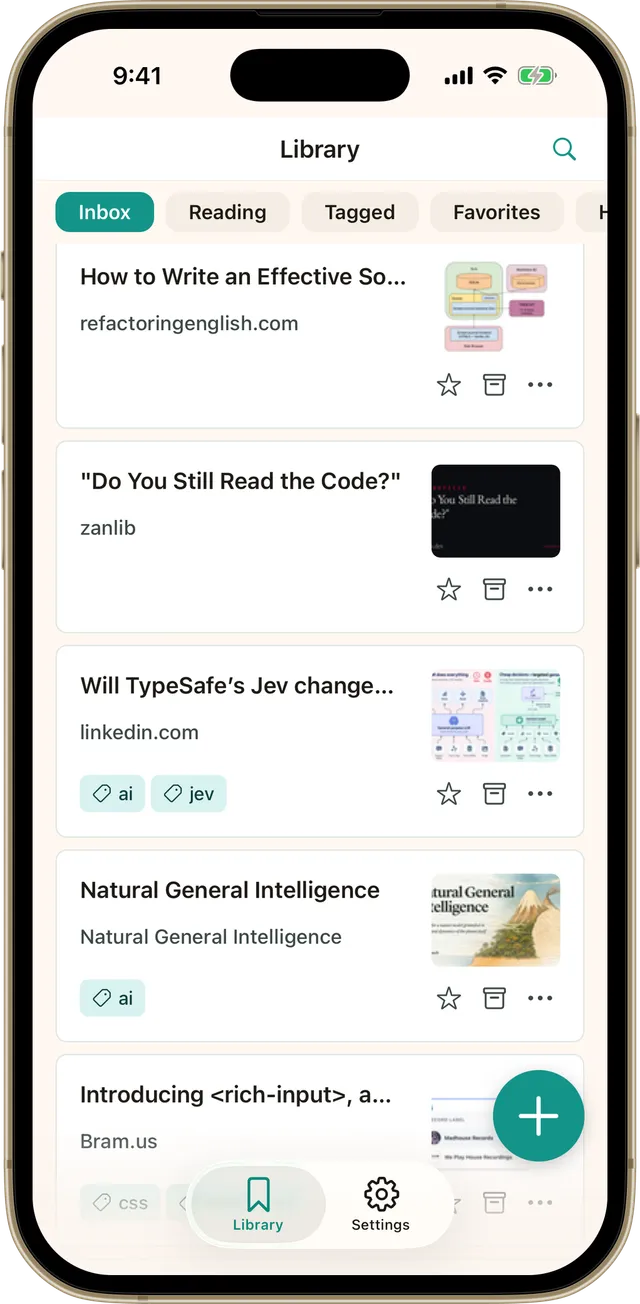
Save something without stopping what you’re doing
Finding something interesting doesn’t usually happen at a convenient time. That’s why saving from your phone needs to be quick.
When you come across something you want to keep, you can send it to Bredbox from the app you’re already using. Maybe it’s an article you found in your browser, a recipe someone sent you, or something you know you’ll want later. Save it, get back to what you were doing, and let Bredbox hold onto it until you’re ready.
You don’t have to decide right then where it belongs or when you’re going to read it. If you want to organize things, collections and tags are there when they’re useful. If you don’t, that’s fine too.
A quieter place to actually read
Finding an article on your phone is easy. Reading one can be another matter entirely.
Web pages aren’t always designed for the moment when you actually want to concentrate. There are ads, pop-ups, navigation bars, newsletter prompts, and plenty of other things competing with the words you came for. Bredbox gives saved articles a cleaner reading view so you can focus on what you wanted to read in the first place.
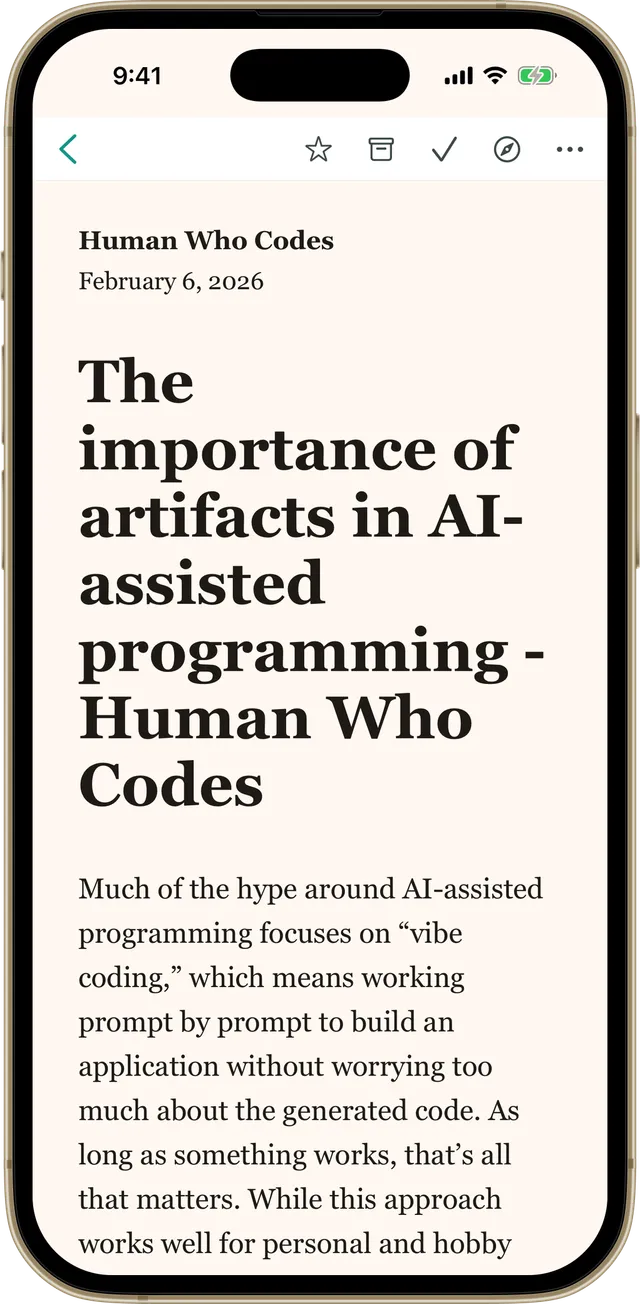
You can use dark mode when you prefer a darker screen, and your reading progress stays synced between devices. Start something on your computer over lunch and finish it from your phone later without having to hunt for your place again.
Your library works even when your connection doesn’t
Sometimes the best time to catch up on something you’ve saved is also the time when your internet connection is least cooperative. Airplanes, trains, waiting rooms, and spotty reception have a way of making that obvious.
The iPhone app supports offline access, so your library can still be there when the network isn’t. You don’t need to plan your reading around whether you’ll have a signal. Open Bredbox and keep going.
Find the thing you vaguely remember saving
A personal library gets more useful as it grows, but only if you can find things again.
Maybe you remember saving an article about sourdough a few months ago, but you don’t remember the site or the title. Or you know there was a tutorial you wanted to try, but that’s about all you can recall. Search lets you dig back into your Bredbox library, while collections, tags, favorites, and archives give you other ways to browse when that’s easier.
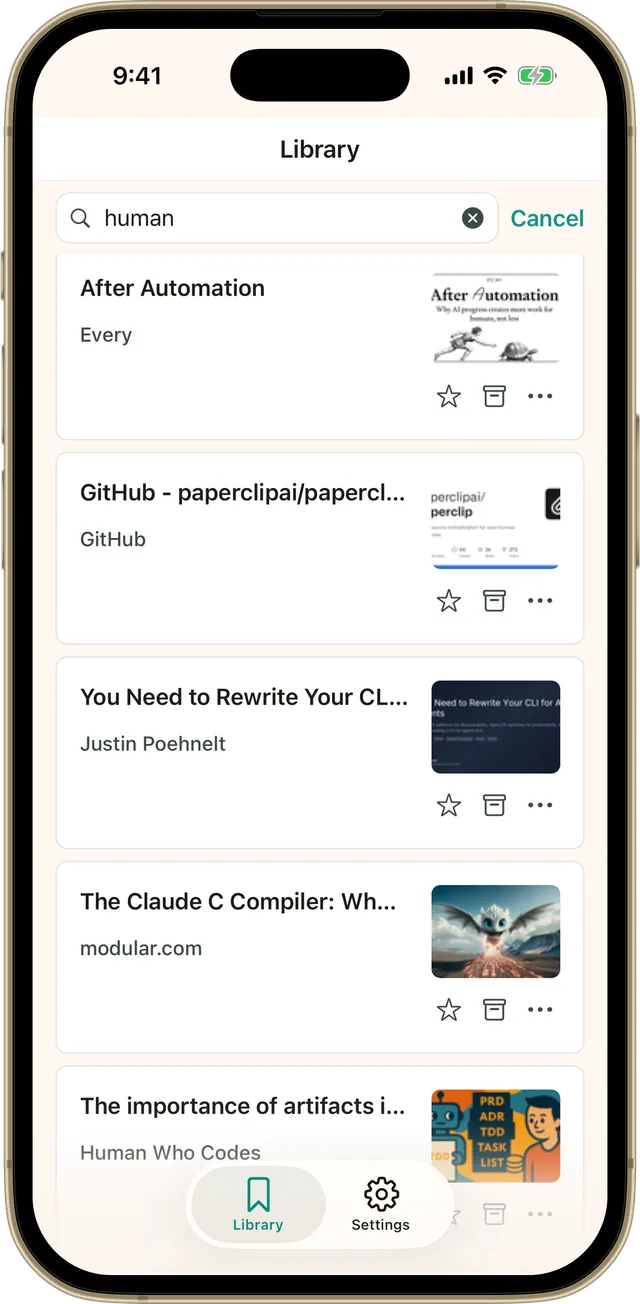
The point isn’t to keep up with everything you’ve saved. It’s to know that when something becomes useful again, you have a good chance of finding it.
The same library, now in your pocket
The iPhone app isn’t a separate version of your Bredbox library. Sign in and the things you’ve already saved are there with you.
That’s what I like about thinking of Bredbox as a library rather than a reading queue. Some things are for tonight. Some are for next month. Some might sit quietly for a year until suddenly they’re exactly what you’re looking for. Your phone is simply one more comfortable way to get to them.
And that library still belongs to you. You can export it whenever you choose, so using Bredbox on another device doesn’t mean giving up control of the things you’ve saved.
Download Bredbox for iPhone
Bredbox for iPhone is available now on the App Store. If you already have an account, sign in and pick up where you left off. If you’re new to Bredbox, you can start saving the articles, recipes, tutorials, and other things you’d like to find again later.
Android is coming soon too, so Android users won’t have much longer to wait.
Your library should be there when you need it, including when the place you need it happens to be your pocket.