
Some of the most interesting things I read never arrive through a browser.
They show up in my inbox: a newsletter I look forward to every week, a long essay someone forwarded, a thoughtful discussion I want to revisit, or an email containing information I know I’ll need again months from now. Email is still one of the places where worthwhile reading finds us, but it has never fit especially well into a personal reading library.
Now it does.
Bredbox gives every account its own personal email address. Forward a message to that address, and Bredbox saves the email as a private item in your Inbox alongside the articles, recipes, documents, and other things you’ve chosen to keep.
Your inbox doesn’t have to be your archive
Email is very good at delivering things. It’s less good at being a permanent home for them.
Newsletters get buried under newer messages. Useful conversations disappear into search results full of similar subject lines. You remember reading something important, but you can’t remember whether it arrived last month, last year, or through which mailing list.
Bredbox is built around a different idea: the things you decide are worth keeping should live together in a personal library you can return to later. That library should help turn scattered content into something durable and useful instead of leaving it spread across browser tabs, bookmarks, feeds, and email.
Email capture extends that idea to your inbox.
Forward it and keep moving
You’ll find your personal Bredbox email address under Settings → Email. Copy it, then forward any email you want to keep.
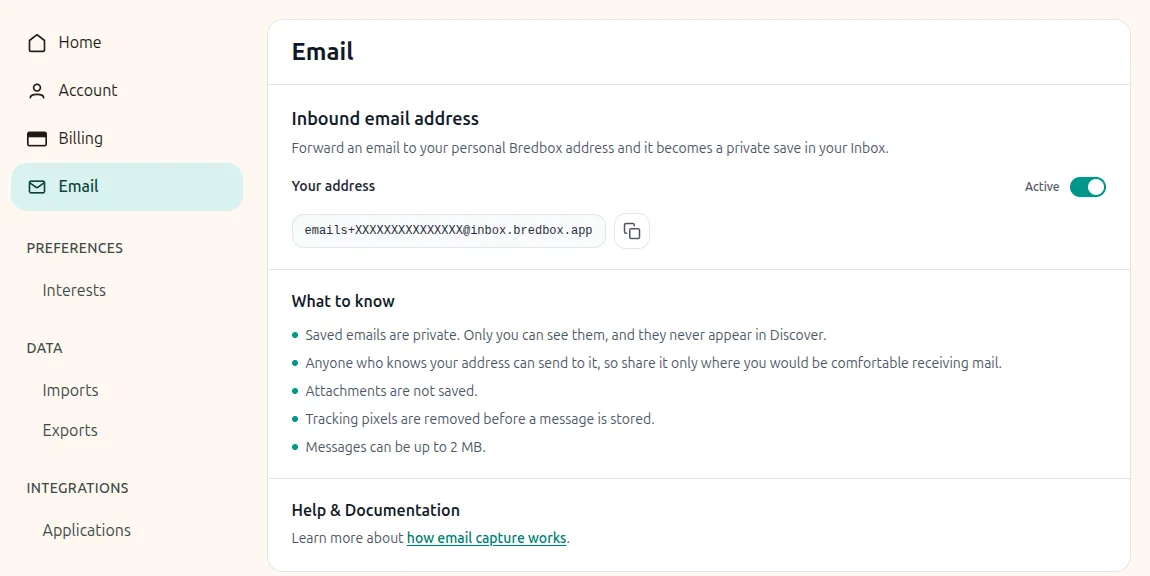
Once Bredbox finishes processing it, the message appears as a new private save in your Inbox. The email subject becomes the title, and Bredbox tries to identify the original sender when you’re forwarding a message so it’s easy to recognize later.
That means a newsletter can sit next to the articles it references. A useful professional discussion can live alongside the research you collected for the same topic. Something a friend sends you can become part of the same library as everything else you’ve decided is worth revisiting.
You don’t have to reorganize your email workflow around Bredbox. Just forward the things you want to keep.
Or send newsletters straight to Bredbox
Forwarding isn’t the only option. Your Bredbox email address can receive messages directly from any sender, including newsletter services.
When you sign up for a newsletter, you can use your Bredbox address instead of your personal email address. New issues will go directly into your Bredbox Inbox, where they’ll be saved alongside the rest of your library. There’s nothing to forward, and you don’t have to give the newsletter publisher your regular email address.
For newsletters you mainly want to read rather than manage as email, that can make the whole process pleasantly simple: subscribe once, then find each new issue waiting in the same place you already keep everything else worth reading.
Read the clean version, or see the original
Email HTML can be messy. It’s designed for dozens of mail clients, filled with layout tables, formatting, banners, and other presentation details that aren’t always ideal for reading.
Bredbox creates a readable version of the email for its normal reader, while also keeping a separate representation of the original email layout.
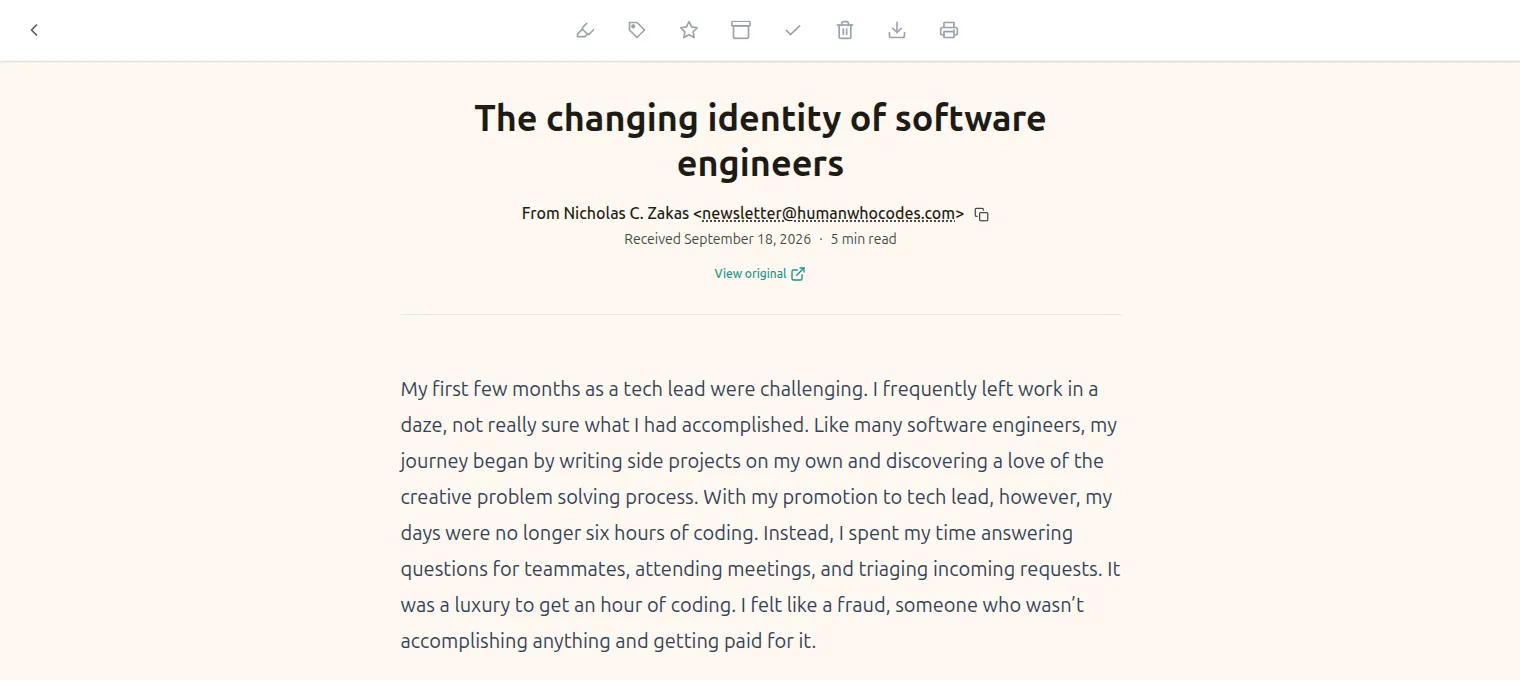
If the cleaned-up version leaves out something you need, you can choose View Original to see the preserved layout inside Bredbox.
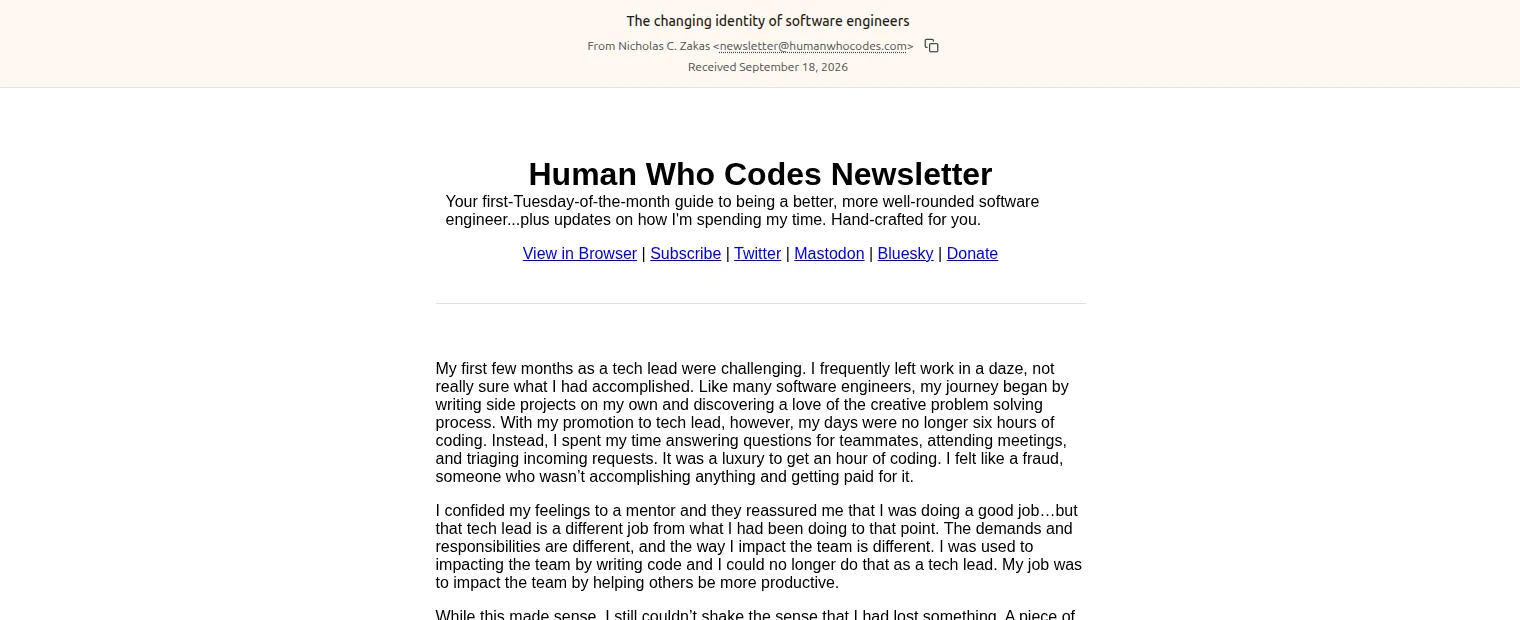
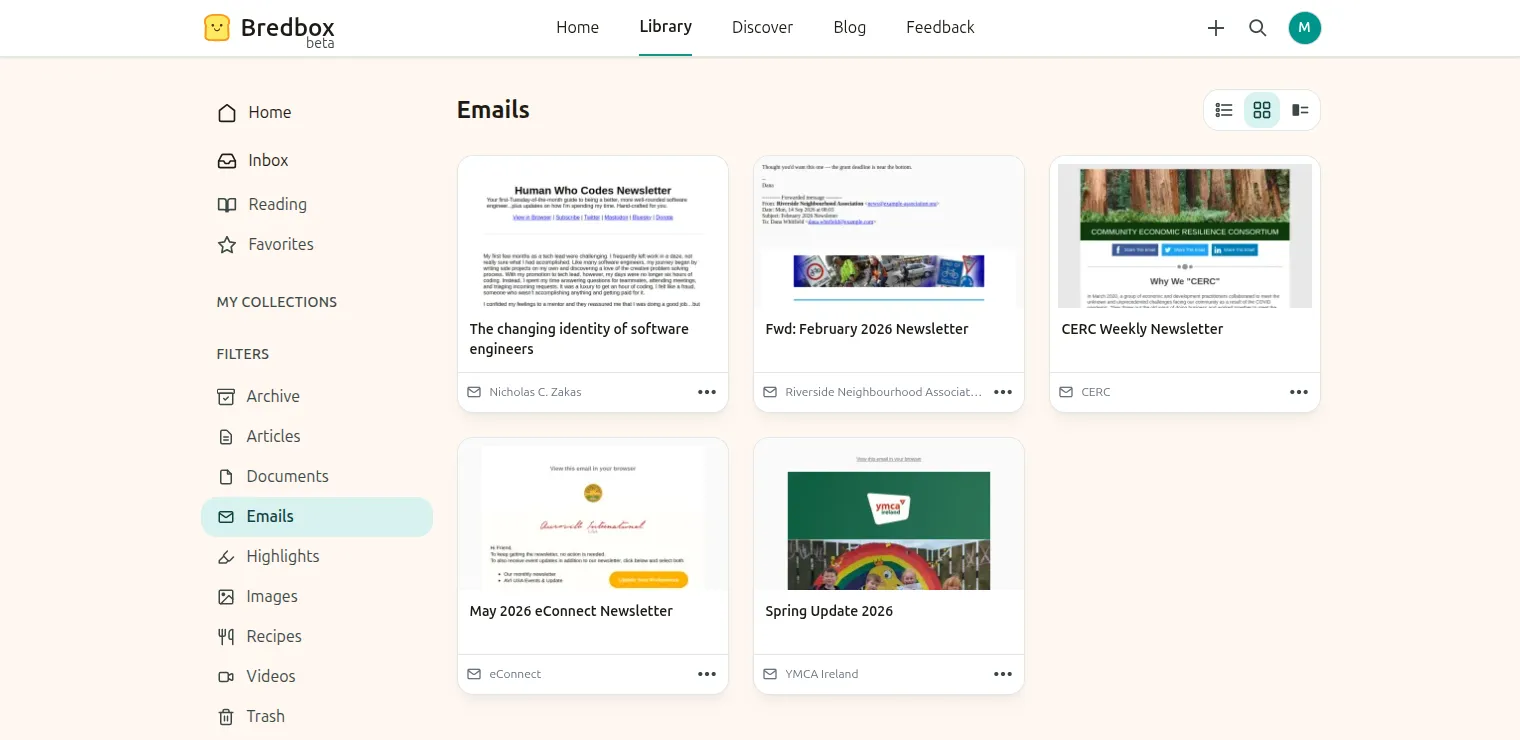
Email saves can also display a thumbnail based on that original presentation, making them easier to recognize when browsing your library. There is also a dedicated Emails filter, so you can look specifically at the messages you’ve saved without having to separate them into their own collection first.
Private by default
Email can be much more personal than a public web page, so captured messages are treated accordingly.
Everything you send to your Bredbox address remains private to your account. Email content, sender information, and the topics Bredbox identifies from the message stay out of public discovery and other users’ libraries. Bredbox can still use that information privately to help you organize and find the message later.
Bredbox also removes tracking pixels before storing or rendering the message, including in the preserved original view and its thumbnail. Meaningful images and links can remain, but invisible tracking resources intended to report that you’ve opened an email are removed.
Attachments aren’t saved as part of this feature, so if an email contains a document you want in your library, you’ll still need to save that file separately.
One more place your library can reach
A personal library becomes more useful when it isn’t limited by where something happened to find you.
Sometimes that’s the web. Sometimes it’s a PDF or document. And sometimes it’s an email that arrives on a busy Tuesday morning, when you know it’s interesting but don’t have twenty minutes to give it.
Forward it to Bredbox, or have it delivered there directly.
It’ll be there when you’re ready.