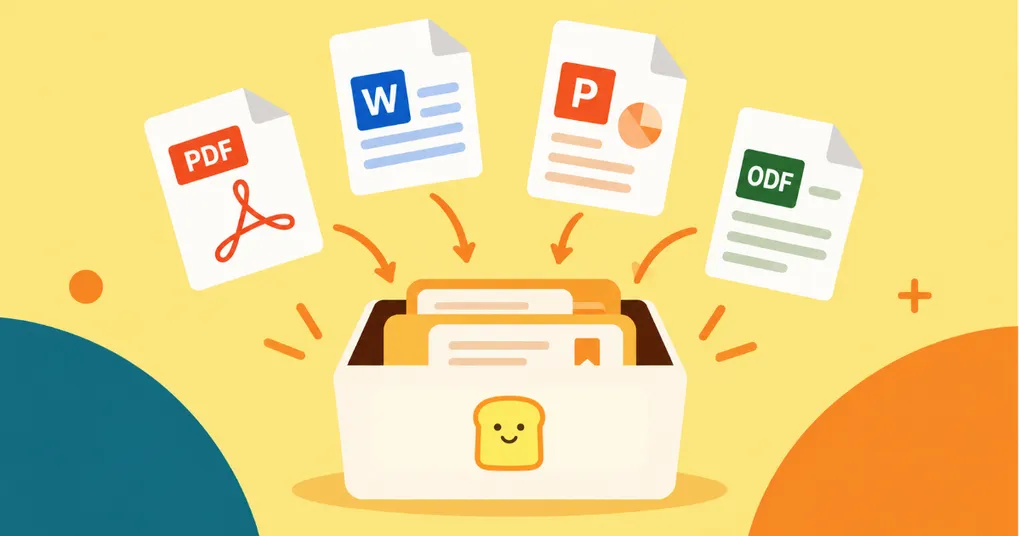

Much of the information worth keeping doesn’t arrive as a web page.
A research paper might be a PDF. A report from a colleague might be a Word document. A conference deck might be a PowerPoint presentation. Government publications, technical manuals, white papers, course materials, and project documents all have a habit of ending up as files rather than articles.
Until now, Bredbox has been much better at preserving one side of that divide. You could build a library from the things you found around the web, but many of the documents that belonged beside them still had to live somewhere else.
That’s changing. Bredbox can now save PDFs, Word documents, PowerPoint presentations, and their OpenDocument equivalents, giving documents a home alongside the rest of your library.
Save the document, not just its location
There’s an important difference between keeping a link to a file and keeping the file itself.
Links are useful pointers, but they depend on whatever is waiting at the other end. A report can be replaced with a newer edition. A company can reorganize its website. A shared file can disappear. A paper can move to a different URL.
When Bredbox successfully saves a supported document, the file becomes part of your library. That means the copy you decided was worth keeping isn’t dependent on the original URL remaining unchanged forever.
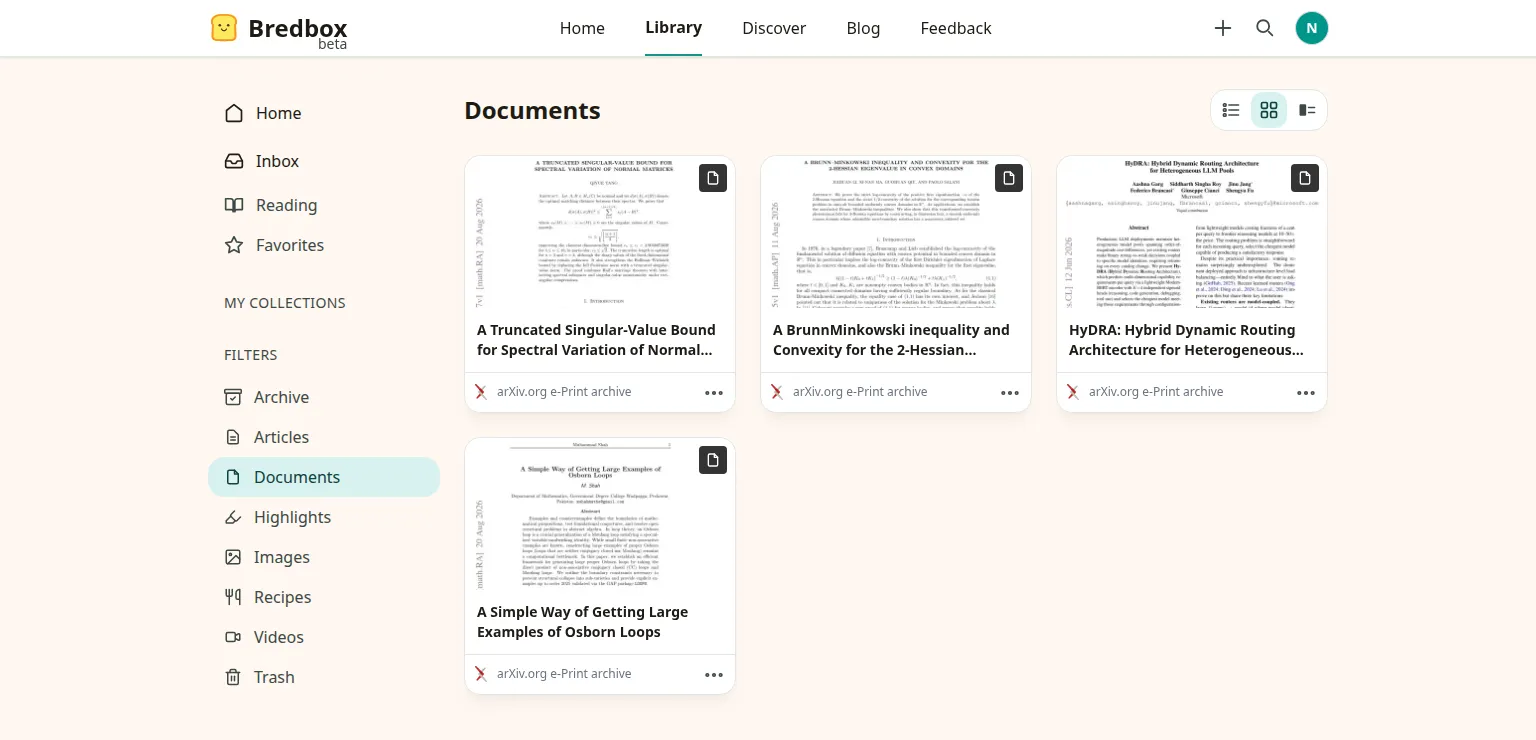
This is especially important for PDFs. Bredbox retains the original PDF rather than converting it into another format and throwing the source away. When you open it later, you’re viewing the actual document you saved, with its pages, typography, images, tables, and figures intact.
For a research library, that distinction matters. Preserving the words but losing the chart beside them isn’t really preservation.
Read PDFs inside Bredbox
Saved PDFs now have their own viewer inside Bredbox, so opening one doesn’t simply send you back out to the original website.
The viewer treats the PDF as a document rather than trying to reshape it into an article. Pages appear as they were published, and you can move through them, jump to a particular page, and adjust the zoom when a dense table or small figure needs a closer look.
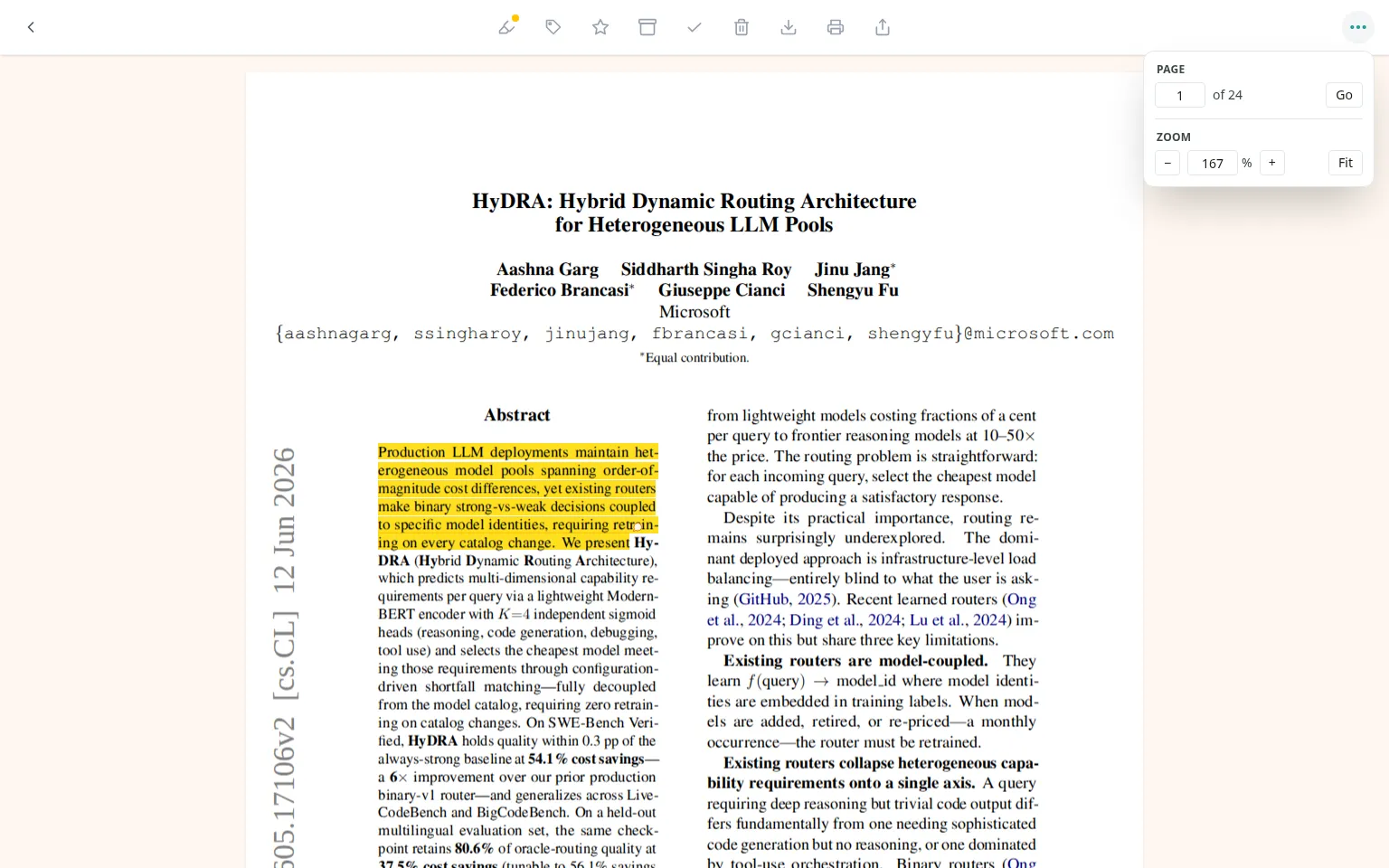
Large documents don’t need to be rendered all at once before you can begin reading. Pages are loaded as you reach them, so you can get into a long report or book-length document without waiting for every page first.
Bredbox also remembers where you’ve been reading. A partially read PDF becomes part of the same reading flow as the articles in your library rather than something you have to relocate and navigate from the beginning each time.
Highlight the parts you want to keep
A document becomes much more useful when you can do something with it besides look at it.
Where a PDF contains selectable text, you can highlight passages and add comments to those highlights. Those notes stay connected to their location in the PDF, even as you change the zoom or come back to the document later.
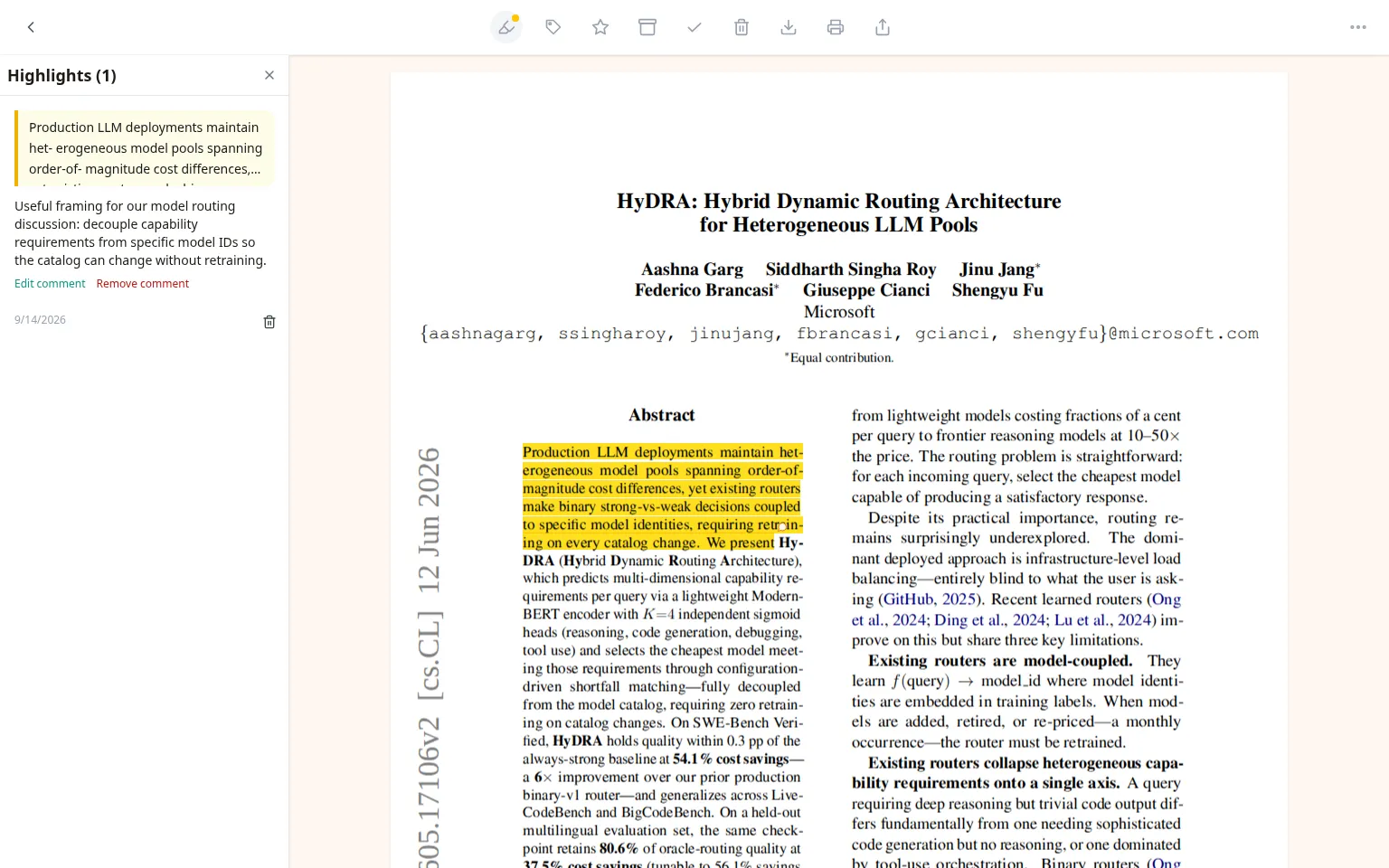
That makes PDFs feel less like attachments sitting beside your library and more like part of the library itself. An important paragraph in a paper, a definition in a technical manual, and a passage from an article can all become material you can return to rather than things you have to remember seeing once.
Find documents by what’s inside them
Saving something is only the first half of building a useful library. Eventually, you have to find it again.
Bredbox extracts the readable text from supported documents so they can participate in full-text and semantic search. You don’t have to remember that the report was named final_report_v7.pdf or which organization published it. You can search for the phrase you remember, or search by the idea you’re trying to relocate.
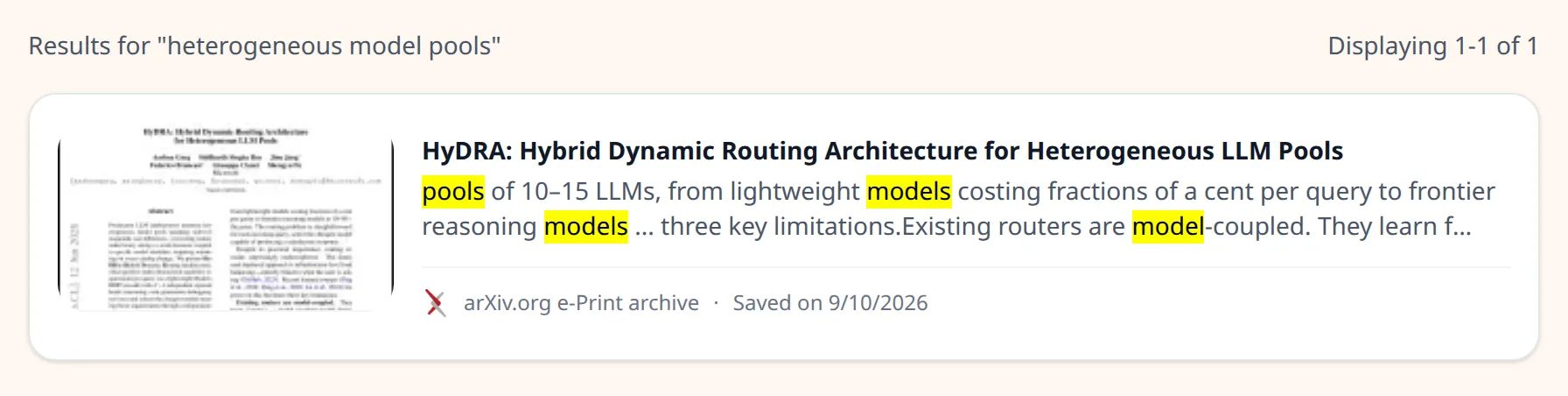
For PDFs, the original document remains the thing you read. Text extraction happens separately so search can understand what’s inside without replacing the document’s actual layout with a simplified version.
This is particularly useful as a library grows. Articles, PDFs, reports, and presentations don’t have to live in separate mental filing systems simply because they arrived in different formats. You can search the library based on what you’re trying to find.
Word documents and presentations belong here too
PDFs aren’t the only documents that contain material worth preserving.
Bredbox now also supports Microsoft Word and PowerPoint files, along with their OpenDocument equivalents. A written report, project document, presentation, or slide deck can sit beside the articles and PDFs related to the same subject instead of disappearing into a downloads folder.
When you want the file back, you can download the original. For office documents, you can also download a PDF version when that’s more convenient for reading or sharing.
That flexibility is intentional. Bredbox shouldn’t require you to give up the original format simply because you chose to keep the document in your library.
The original is still yours
Perhaps the most important part of document support is also the least flashy: you can take your files back out.
For a saved PDF, downloading it gives you the original PDF Bredbox retained. It isn’t a screenshot, a reconstructed version, or a newly generated approximation of the document.
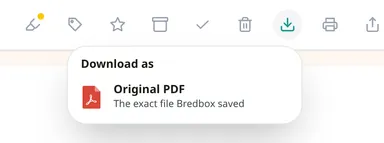
For Word, PowerPoint, and OpenDocument files, the original file remains available too, with the additional option of downloading a PDF copy.
A personal library should work this way. Saving something into Bredbox shouldn’t mean surrendering it to Bredbox. The library is useful because it helps you preserve, organize, search, and revisit what you’ve collected. It shouldn’t become the only place you’re allowed to use it.
A library should hold the things that matter
The web doesn’t divide neatly into articles, recipes, and links. Neither does the material we actually use to learn, research, make decisions, and remember things.
Sometimes the source you need six months from now is an essay. Sometimes it’s a 70-page report. Sometimes it’s the presentation someone shared after a conference or the document that explained a project particularly well.
They belong together because the reason you kept them was the same: this matters to me. I may need it again.
With document support, Bredbox is a little closer to being the kind of personal library that can honor that decision, regardless of what form the thing you wanted to keep happened to take.