
A personal library becomes a lot more useful when it can participate in the rest of your tools.
That’s especially true for developers. You might save an article in Bredbox today, need it from a script next month, want an AI assistant to search it six months from now, or decide that every new save with a certain tag should kick off an automation.
Bredbox already gives you a place to save, organize, search, and read the content you care about. With the Pro plan, it also gives you several ways to build on top of that library.
A REST API for your entire account
Sometimes the interface you want is the one you build yourself.
The Bredbox REST API lets you control every aspect of your account programmatically. Instead of treating the Bredbox web app as the only way into your library, you can make that library part of your own software.
That opens up a lot of possibilities.
You could write a script that saves URLs from another application, build your own interface for browsing a collection, sync information into another system, or create a workflow we never anticipated.
That last part matters. We can build useful defaults, but developers will always come up with workflows that don’t belong on our product roadmap. An API gives you the primitives and lets you decide what happens next.
Bring your Bredbox library into your AI tools with MCP
AI tools are increasingly becoming another interface for working with information.
Bredbox’s MCP server lets compatible AI tools work directly with your Bredbox account. Instead of copying and pasting content between applications, you can give your AI tool access to the library you’ve already built.
That means your saved content can become useful context when you’re researching a problem, revisiting something you read months ago, or working with an assistant that needs access to material you’ve deliberately chosen to keep.
The important part isn’t adding AI for the sake of adding AI. It’s making the content you already trust available wherever you want to work with it.
Your library shouldn’t care which interface you happen to be using today.
Know when something changes with webhooks
APIs are great when you want to ask Bredbox for something. Webhooks handle the other direction.
When something changes in your account, Bredbox can tell your software about it.
That means you don’t need to continuously poll the API looking for updates. Instead, you can react when something happens and build event-driven workflows around your library.
A new save could trigger additional processing. A change to your account could update another system. You can decide what matters and what should happen next.
Bredbox handles the library. Your software handles the last mile.
Build automations without starting from scratch with n8n
Not every automation needs a custom application.
Bredbox also has a custom n8n node, giving you a simpler way to connect your library to the other services in an n8n workflow.
You can use Bredbox as one part of a larger automation without writing all of the integration code yourself. Combine it with triggers, filters, databases, messaging tools, AI services, or whatever else makes sense for the workflow you’re building.
It’s useful when a shell script would be too small, a full application would be too much, and you mostly want to connect a few useful pieces together.
Your personal library, with an API
The philosophy behind all four features is the same.
Bredbox shouldn’t become another closed place where useful information goes in and can only be used in the ways we anticipated.
Your library is yours. You should be able to interact with it through the Bredbox apps, access it programmatically, connect it to automations, or make it available to other tools.
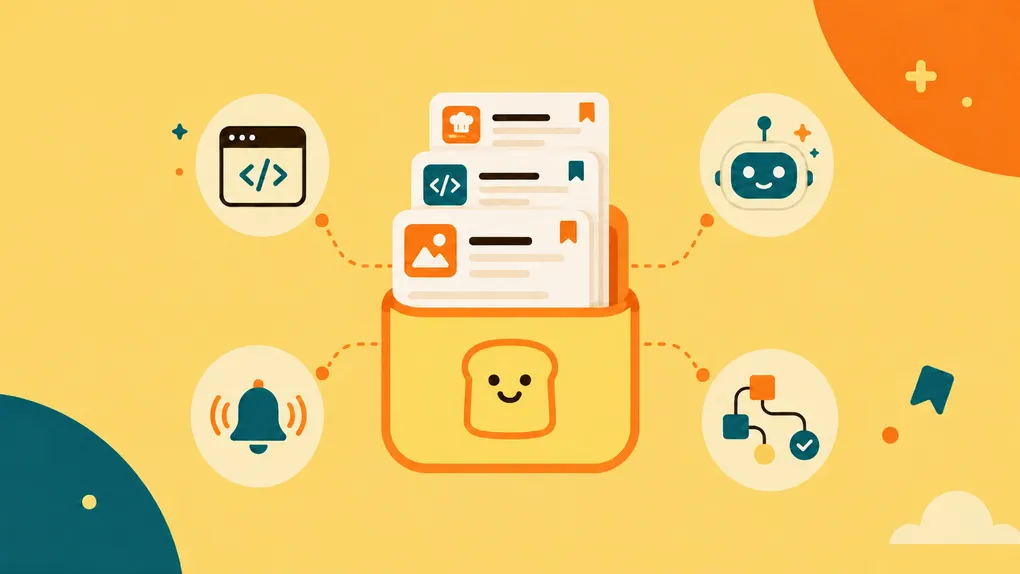
The Pro plan gives developers four ways to do that:
- REST API for direct programmatic control
- MCP server for connecting Bredbox to compatible AI tools
- Webhooks for reacting to changes in your account
- n8n custom node for building automations with less integration work
Save something once, then use it wherever it becomes useful.
That’s what a personal library should let you do.