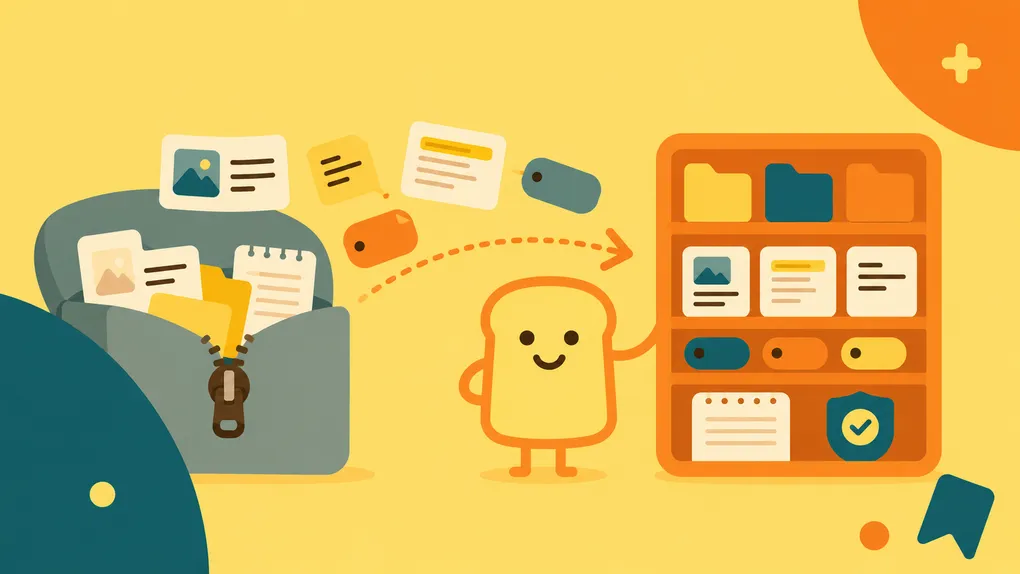

If you used Pocket for years, you probably didn’t just have a reading list. You had a library.
Hundreds or thousands of articles. Carefully chosen tags. Collections built around projects or interests. Highlights from things you wanted to remember. Notes that added a little context for your future self.
That’s a lot to leave behind.
Bredbox was built to give that library a new home and to make the move as painless as possible.
Pocket should feel familiar
Learning an entirely new way to manage your library probably isn’t high on your list.
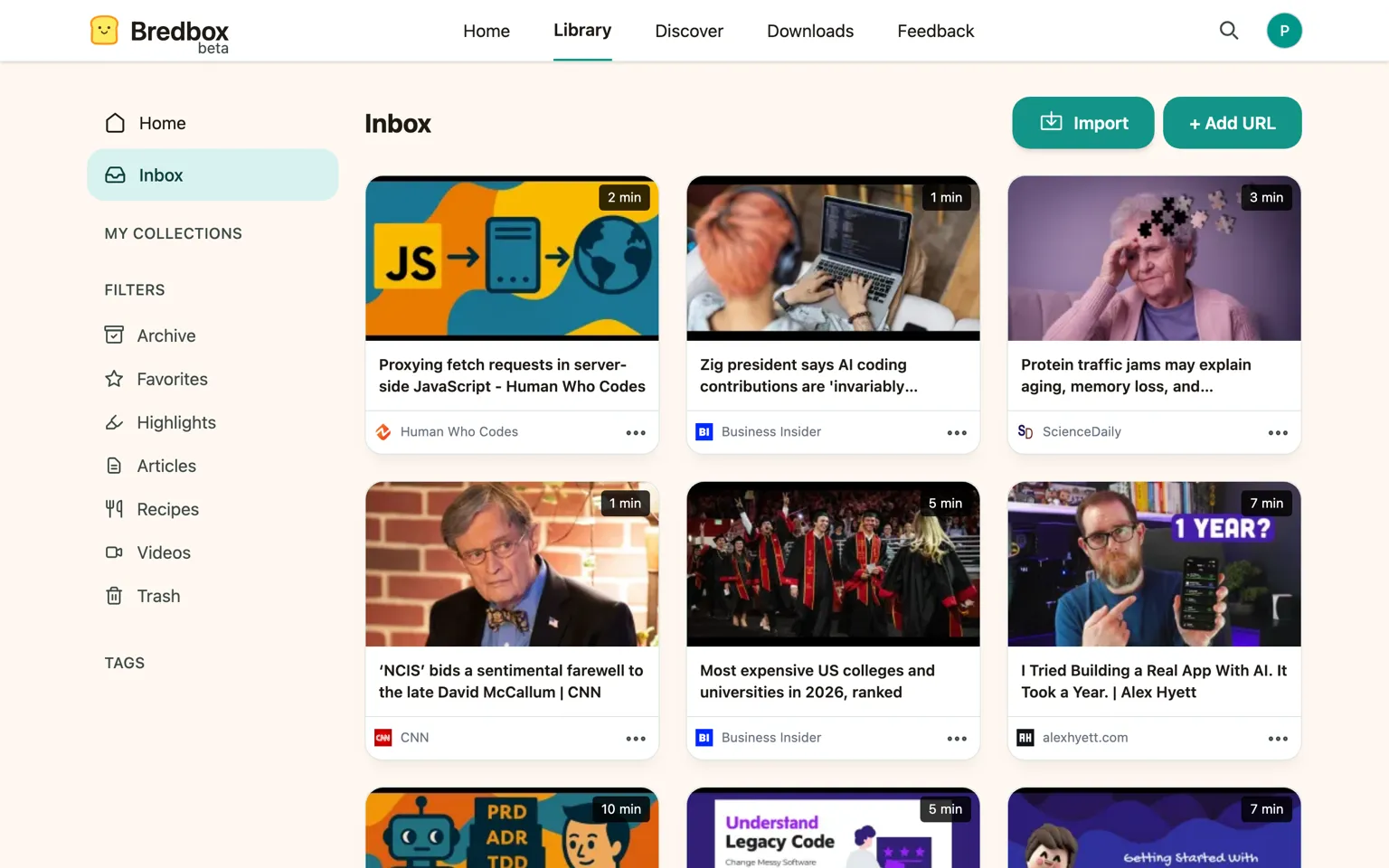
That’s why Bredbox’s design is intentionally inspired by Pocket. The overall experience should feel familiar: the things you expect to find are generally where you expect to find them.
You can spend less time figuring out a new app and more time getting back to the library you’ve already built.
Import the entire Pocket ZIP
You don’t need to reconstruct your Pocket library by hand.
Just give Bredbox the ZIP export you received from Pocket. Bredbox will process it and automatically rebuild your library, including:
- Every link (including when it was added and if it was archived)
- Every tag
- Every collection
- Collection notes
- Every highlight
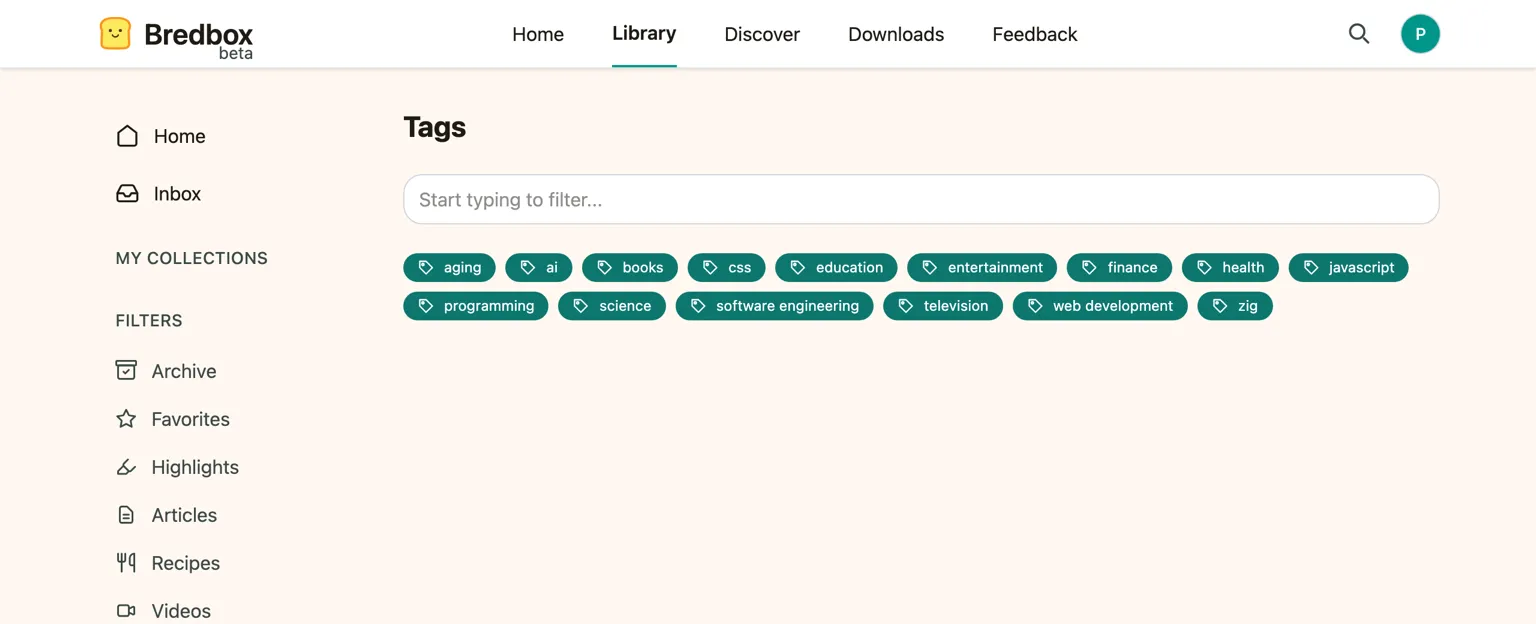
The goal isn’t simply to import a list of URLs. It’s to preserve as much of the library you created in Pocket as possible. Bredbox is the only app with this promise (read more).
One limitation: the articles themselves
There’s an important limitation to Pocket’s export that we can’t work around: the ZIP file doesn’t contain copies of the original articles.
That means when Bredbox imports your library, it has to retrieve each article from its original URL.
If the page is still available, Bredbox can fetch it and create a copy for your library. If the original article has disappeared from the web, there’s unfortunately nothing in the Pocket export we can use to restore its contents.
Your link, tags, collections, notes, and highlights can still make the trip. But the original article can only be preserved if there’s still a copy available to retrieve.
It’s also one of the reasons we think a personal reading library should contain more than links.
Your Bredbox export includes the articles
Once an article is saved in Bredbox, we don’t want you to face the same problem again.
When you export your Bredbox library, the export includes a complete copy of the article content alongside your library data.

That’s intentional.
A personal library shouldn’t depend on a particular company continuing to exist, or on every page you’ve saved remaining online forever. If you’ve decided something matters enough to keep, you should be able to take your copy with you.
Your library belongs to you.
We hope you’ll keep it in Bredbox because you enjoy using Bredbox and not because leaving would mean abandoning the things you’ve collected.
A new home for a library worth keeping
Pocket helped a lot of us build years’ worth of reading history. Moving on from it shouldn’t mean starting over.
Bredbox gives you a familiar place to bring that history forward, preserving the organization and context you’ve already created while giving you something Pocket’s ZIP export couldn’t: a portable copy of the articles themselves for the future.
Upload your Pocket ZIP, let Bredbox rebuild your library, and keep what matters somewhere you can trust.